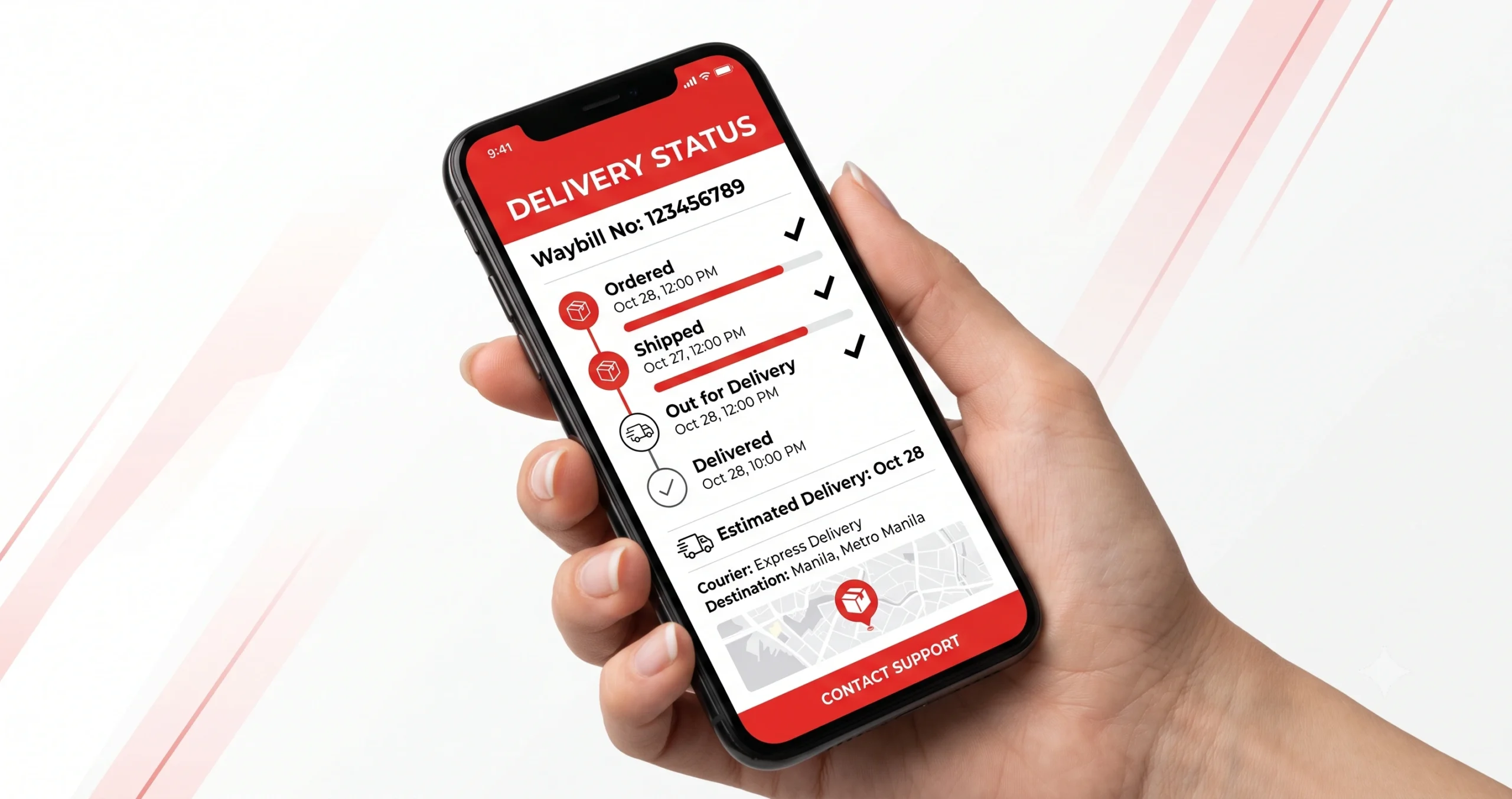
LBC Tracking App — How to Track
Your Parcel Using the LBC App
Everything you need to know about the official LBC tracking app — how to download it, use it to track parcels, balikbayan boxes, and express deliveries across the Philippines.
Yes — the official LBC tracking app is called LBC Connect. It is free to download on both Android (Google Play) and iOS (App Store). Open the app → tap “Track” → enter your 12–17 digit LBC tracking number → get real-time delivery status instantly.
What Is the LBC Tracking App?
The LBC tracking app — officially named LBC Connect — is the free mobile application published by LBC Express, Inc., the Philippines’ largest courier and remittance company. With over 6,400 branches nationwide and operations in more than 30 countries, LBC Express created the LBC Connect app to give senders and recipients a faster, mobile-first way to manage their shipments.
Instead of opening a browser and going to lbcexpress.com, the LBC tracking mobile app lets you check your parcel’s live delivery status in seconds — right from your phone. It also lets you book pickups, find nearby branches, calculate shipping rates, and manage multiple shipments at once — all in one place.
Many people search for “LBC tracking app” or “LBC Express tracking app” but the official name is LBC Connect. When searching on the Play Store or App Store, type “LBC Connect” to find the legitimate, verified app published by LBC Express, Inc.
How to Download the LBC App (Android & iOS)
The LBC tracking app download is free and available on both major mobile platforms. Here’s where to get it:
| Detail | Android | iOS (iPhone/iPad) |
|---|---|---|
| App Name | LBC Connect | LBC Connect |
| Publisher | LBC Express, Inc. | LBC Express, Inc. |
| Price | Free | Free |
| Platform | Google Play Store | Apple App Store |
| Requires | Android 5.0+ | iOS 12.0+ |
| Internet Required | Yes (Wi-Fi or Mobile Data) | Yes (Wi-Fi or Mobile Data) |
Never download the LBC tracking application from third-party websites or APK sites. Only use the official Google Play Store or Apple App Store to ensure you get the safe, legitimate version of LBC Connect. Unofficial versions may contain malware or steal your personal information.
How to Track a Parcel Using the LBC App — Step by Step
Once you have LBC Connect installed on your phone, tracking your parcel takes less than 30 seconds. Follow these steps:
-
1Open the LBC Connect App
Tap the LBC Connect icon on your phone’s home screen or app drawer. You do not need to create an account just to track a parcel — tracking is available without logging in.
-
2Tap the “Track” Option
On the app’s home screen, tap the “Track” or “Track Shipment” button. It is usually prominently displayed at the top or center of the main screen.
-
3Enter Your LBC Tracking Number
Type or paste your 12–17 digit LBC tracking number in the search field. This number is on the lower-left of your LBC Express receipt, below the barcode. No spaces or dashes — numbers only. For international shipments, enter the alphanumeric code (e.g., AB123456789PH).
-
4Tap “Track” or “Search”
Hit the search or track button. The app connects to LBC’s live tracking system and fetches your parcel’s current status in real time.
-
5Read Your Delivery Status
The app displays your parcel’s full status history — from “Received at Branch” to “In Transit” to “Out for Delivery” to “Delivered.” You can also see the expected delivery date and the branch handling your parcel.
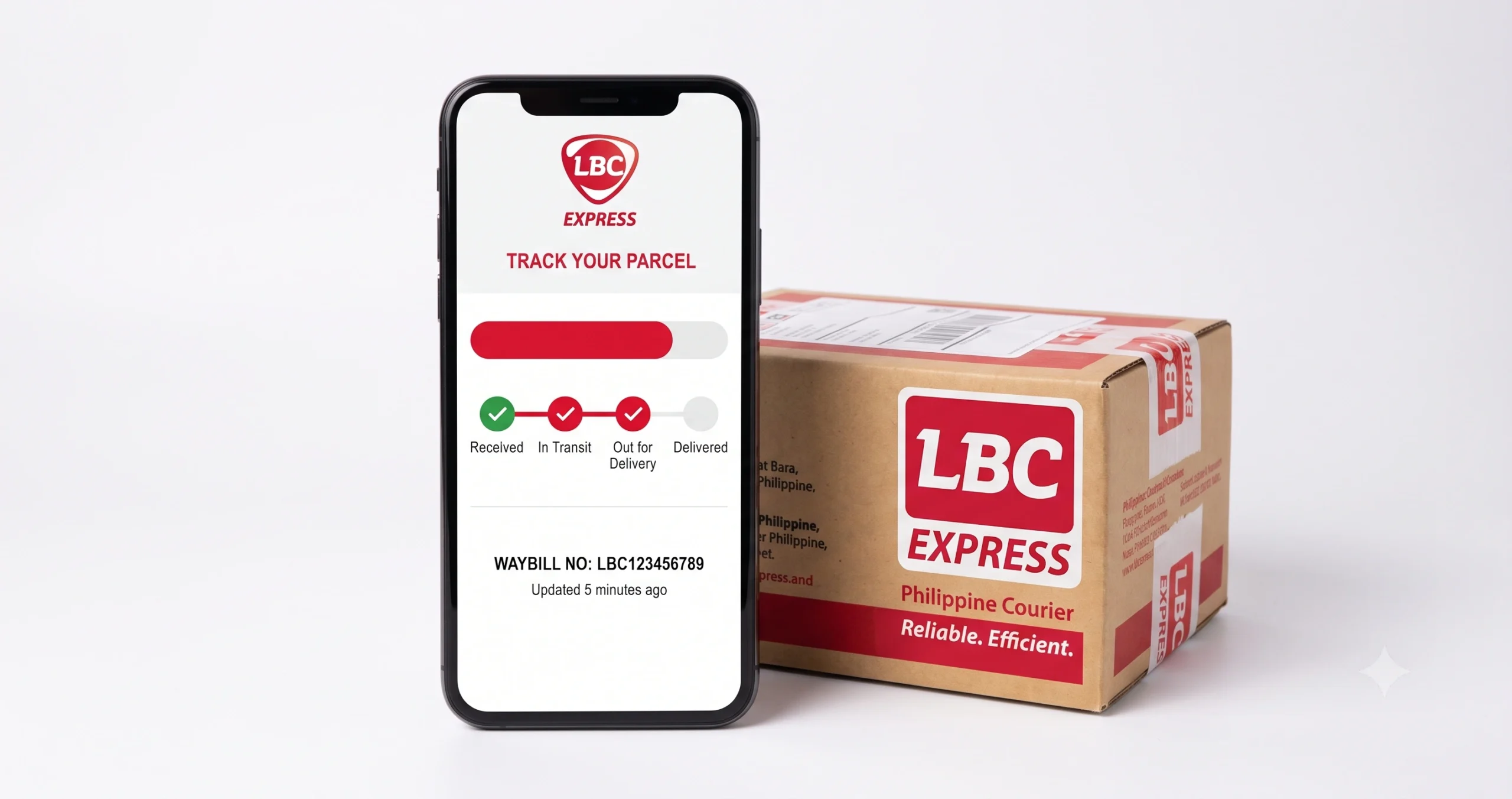
If you have an LBC Connect account (free to register), you can save multiple tracking numbers under “My Shipments” and check all your parcels’ statuses on one screen — no need to enter each number one by one.
Full List of LBC Connect App Features
The LBC tracking application does far more than just track parcels. Here is everything you can do with the free LBC Connect app:
How to Track a Balikbayan Box Using the LBC App
The LBC balikbayan box tracking app feature is one of the most used functions by OFW families. If your loved one sent a balikbayan box through LBC Express, you can track it directly in the LBC Connect app:
-
1Get the 12-digit balikbayan tracking number
Ask the sender (your OFW family member) to send you the tracking number from their LBC receipt or the sticker affixed on the box. Balikbayan box numbers are typically 12 digits.
-
2Open LBC Connect and tap “Track”
Open the app and go to the Track section — same process as tracking a regular parcel.
-
3Enter the 12-digit balikbayan number
Type the full 12-digit number without spaces or dashes. Tap Track. The app shows the box’s current location — whether it’s still at the origin country, in transit by sea/air, at Philippine customs, or out for delivery.
Unlike domestic parcels (which update every few hours), balikbayan box tracking may not update for several days while the box is at sea or waiting at customs. This is normal. Sea freight typically takes 45–75 days from origin to the Philippines. Air freight is faster at 7–14 days. If the status has not changed in over 7 days for sea freight, contact LBC at (02) 8858-5999.
LBC App vs Website — Which Is Better for Tracking?
Both the LBC tracking app and the LBC Express website (lbcexpress.com/track) connect to the same tracking database — so the status information is identical. The difference is in convenience and features:
- Push notifications — automatic alerts
- Save multiple tracking numbers
- Faster to open than a browser
- Book pickups from the app
- Branch locator with GPS
- Works better on mobile screens
- No need to remember the website URL
- No download or install required
- Works on any device (PC, tablet)
- No storage space needed on phone
- Faster for one-time tracking
- Same real-time tracking data
- No account needed
Verdict: If you regularly send or receive LBC parcels, the LBC tracking app is the better choice — push notifications alone make it worth installing. If you only need to track a parcel occasionally, the website works just as well.
Common LBC App Tracking Problems & Fixes
| Problem | Cause | Fix |
|---|---|---|
| Tracking number not found | Parcel not yet scanned (within 2–4 hrs of drop-off) | Wait 24 hours and search again |
| App shows “No Result” | Entered order number instead of LBC tracking number | Use the numeric waybill number from your receipt only |
| App not loading / crashing | Outdated app version or poor internet connection | Update the app in Play Store / App Store; check Wi-Fi |
| Status stuck / not updating | Parcel in transit between hubs (normal) | Wait 24–48 hours; call LBC at (02) 8858-5999 if over 5 days |
| Cannot log in to account | Forgotten password or account not verified | Use “Forgot Password” or re-verify your email/mobile |
| Push notifications not working | Notifications disabled in phone settings | Go to Phone Settings → Apps → LBC Connect → Notifications → Enable |
FAQs — LBC Tracking App Philippines
AB123456789PH) in the Track section. International tracking updates may be less frequent than domestic parcel updates.Ready to Track Your LBC Parcel?
Download the free LBC Connect app or track instantly online — same real-time data, your choice.
📦 Track My LBC Parcel Now →